How to Order 3D Printing Without a Finished 3D Model
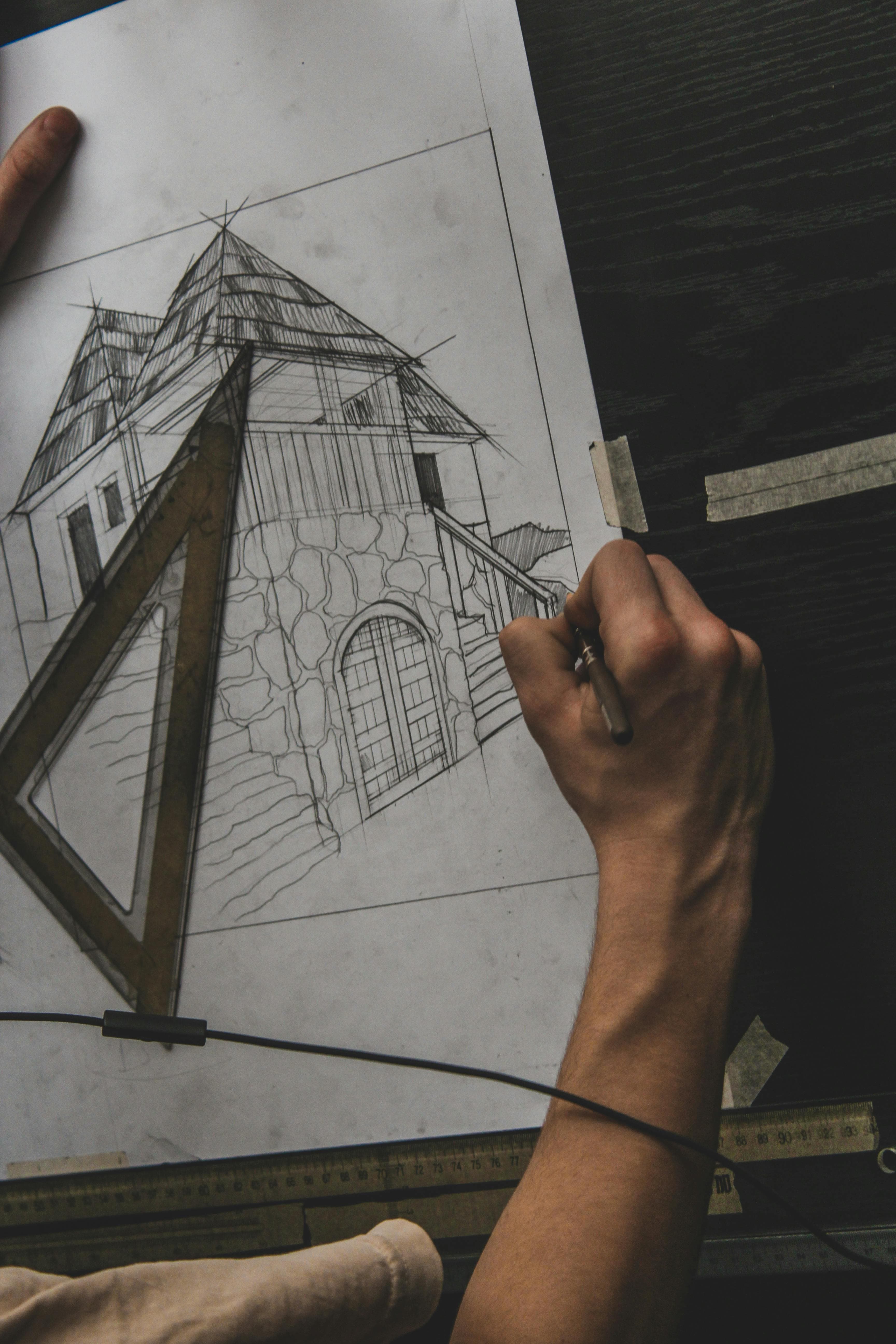
A common assumption: to 3D print something, you need a finished CAD file. In reality, most clients arrive with only an idea, a sketch, a photo, or a broken part they want copied. That's not an obstacle — it's just step one of the process.
This article describes how to order 3D printing from zero, what the workflow looks like, and what to expect on cost and lead time.
What inputs we accept
You don't have to be a CAD specialist. Acceptable inputs span a wide range:
- Sketch on paper or a digital drawing — even hand lines with measurements work.
- A photo of the existing object — to mimic, copy, or refine.
- Multiple photos from different angles — needed when the part is complex.
- A physical sample — bring it in or post it; we scan it.
- A written description plus a reference product — "I want something that looks similar to this, but 30% larger."
- Pinterest or web images — visual reference points to start from.
Roughly half our orders begin with no 3D model at all. It's everyday practice.
Two workflow branches
Depending on what you have, the project follows one of two branches:
Branch A — You have a physical object
The fastest route. If you have a broken part, an old component, an antique, or simply something you want copied, 3D scanning produces a digital twin in days.
Typical path: scan → mesh cleanup → convert to parametric CAD (when needed for further editing) → print.
See: What is 3D scanning and 3D scanning price in Estonia.
Branch B — You only have an idea, sketch, or photo
A longer route, but doable. A 3D modeler builds the CAD file from your input.
Typical path: consultation (15–30 min) → concept sketches → CAD model → client review → revisions → print.
See: What is 3D modeling.
Stage-by-stage walkthrough
Regardless of branch, the process runs roughly like this:
1. Initial consultation. We talk by phone, email, or in person. We figure out: what the part has to do, where it lives, what material is required, what tolerance, what budget, what deadline. Usually 15–60 minutes.
2. Input handover. You send a photo, drawing, or the sample object. For more complex projects we can come on site or schedule a meeting.
3. Initial quote. We give an estimated price and lead time for the entire project — modeling + printing + finishing. At this stage the price is typically a range (e.g. "€150–250"), since locking exact numbers requires partial modeling work.
4. CAD modeling. Once you approve the quote, the 3D modeler starts building. Depending on complexity, 1–5 working days.
5. Client review. We share visual renders and an interactive 3D viewer (rotate and zoom in your browser). You comment on dimensions, form, details. Usually 1–3 rounds of revisions.
6. Printing and finishing. Once the model is approved, we print. Where needed: sanding, painting, assembly.
7. Delivery and CAD file. You receive the part. You can also receive the CAD file (STL, STEP) — it stays your property and you can reuse it later.
Pricing and lead time by input type
Two cost components: modeling and printing. A rough overview:
| Input | Modeling time | Modeling cost | Print cost |
|---|---|---|---|
| Clear drawing with measurements | 2–8 hours | €80–200 | Standard |
| Photo + written description | 4–16 hours | €150–500 | Standard |
| Physical sample (we scan) | 1–4 hours | €50–200 | Standard |
| Idea without reference (sketches needed) | 8–40 hours | €250–1500 | Standard |
Print pricing depends on part size and material — see the pricing guide or use the pricing calculator.
What CAD file you end up with
When the project is complete, on request we share:
- STL — the standard 3D printing input format, works on every printer.
- STEP — parametric CAD format you can open in SolidWorks, Fusion 360, FreeCAD, etc.
- OBJ — texture and color data when the part is multi-color.
- 3MF — the newer 3D printing standard, also carries material and color metadata.
Who owns the file? By default: you. Once the order is paid, the CAD file is your IP. The exception is when we use proprietary libraries or parametric templates — handled in a separate agreement.
Useful questions to ask yourself first
Before contacting us, it helps to be clear on:
- What does the part do? A visual model? Load-bearing mechanism? Heat-resistant housing?
- Which dimensions are critical? What has to fit precisely with something else?
- Where does it operate? Indoors, outdoors, hot environment, in water?
- What's the deadline? A fixed date influences technology and workflow choices.
- What's the budget? Don't be shy — we can usually adapt the approach to fit.
If you're not sure, write to us anyway. The first consultation is free and helps clarify these.
Frequently asked questions
Can you build a model from just a photo?
Yes, but accuracy depends on the photo. A single front view leaves the back to the modeler's interpretation. Multiple photos from different angles produce a much better result. The ideal input is 6–8 photos from different views or a 360° video.
Can I pay for modeling separately and print later?
Yes. Modeling and printing are separate services. You can order the CAD file first, review it, then decide whether to print with us or elsewhere.
What if I don't know CAD software and can't read a model?
We send visual renders (photo-style images from different angles) and an interactive 3D viewer that rotates and zooms in the browser. You comment in plain language on what to change.
Can you work under NDA?
Yes. For sensitive designs we sign an NDA before starting the project.
Can you copy a broken automotive part?
Yes, when the part is physically available. We scan it, rebuild the missing geometry in CAD, and print a new one. See 3D scanning for restoration.
Summary
Ordering a project without a model isn't unusual — for most of our clients, it's the norm. The workflow is straightforward:
- Talk to us about what you need.
- Send the input (sketch, photo, sample).
- Receive a quote covering the whole process.
- Review the model, comment.
- Get the finished part — and the CAD file as your own asset.
Start with a consultation request or use the pricing calculator for an initial estimate.